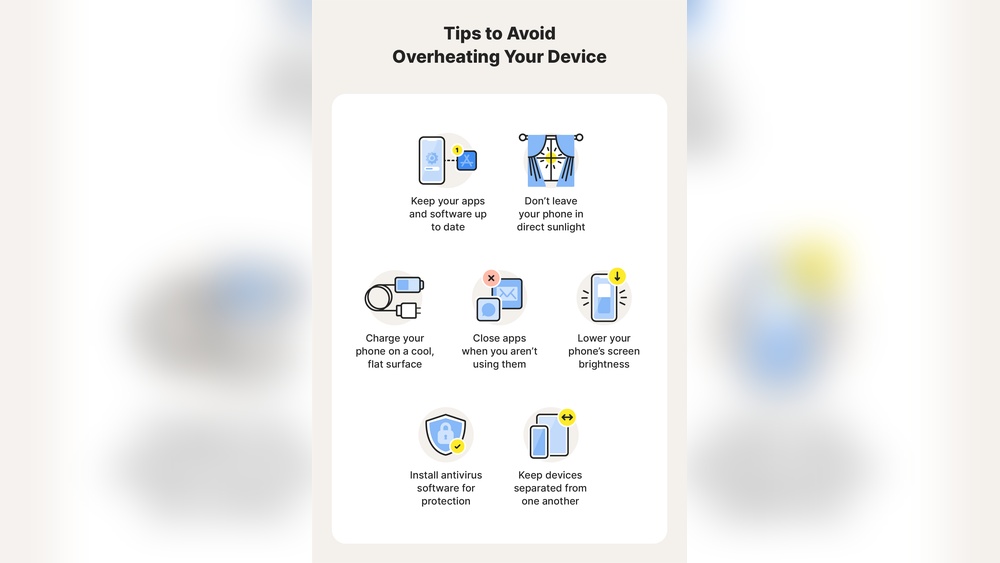

Your phone can reach temperatures over 95°F during heavy use or charging. Studies show that prolonged overheating reduces battery life by up to 20% within six months.
This problem affects performance, shortens device lifespan, and can even cause unexpected shutdowns. Overheating also signals deeper issues such as software overload, poor ventilation, or faulty components. Understanding why your phone gets hot helps prevent damage and ensures smoother operation.
This guide covers the most common reasons for phone overheating and practical steps to fix them fast.
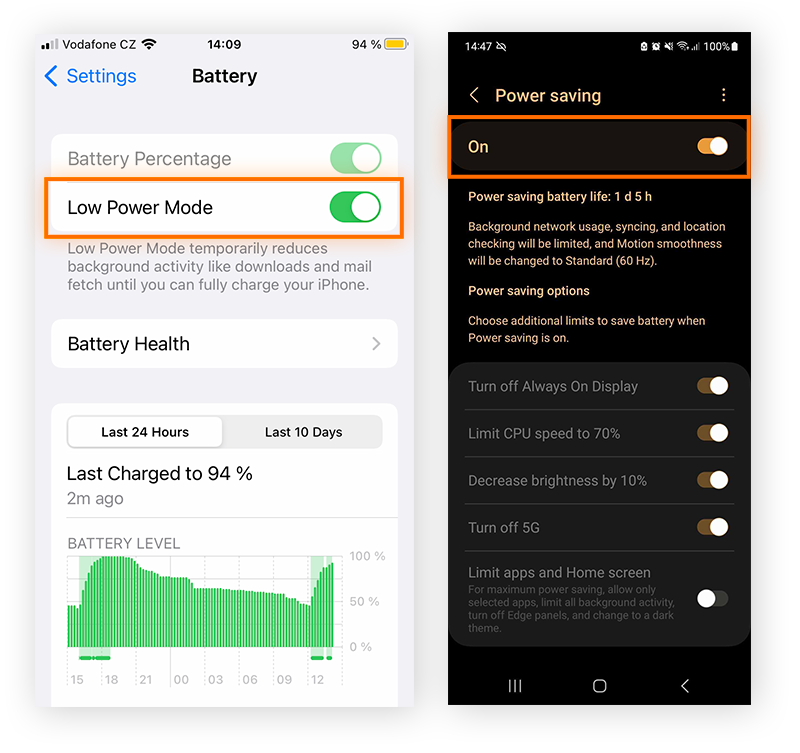
Credit: www.avast.com
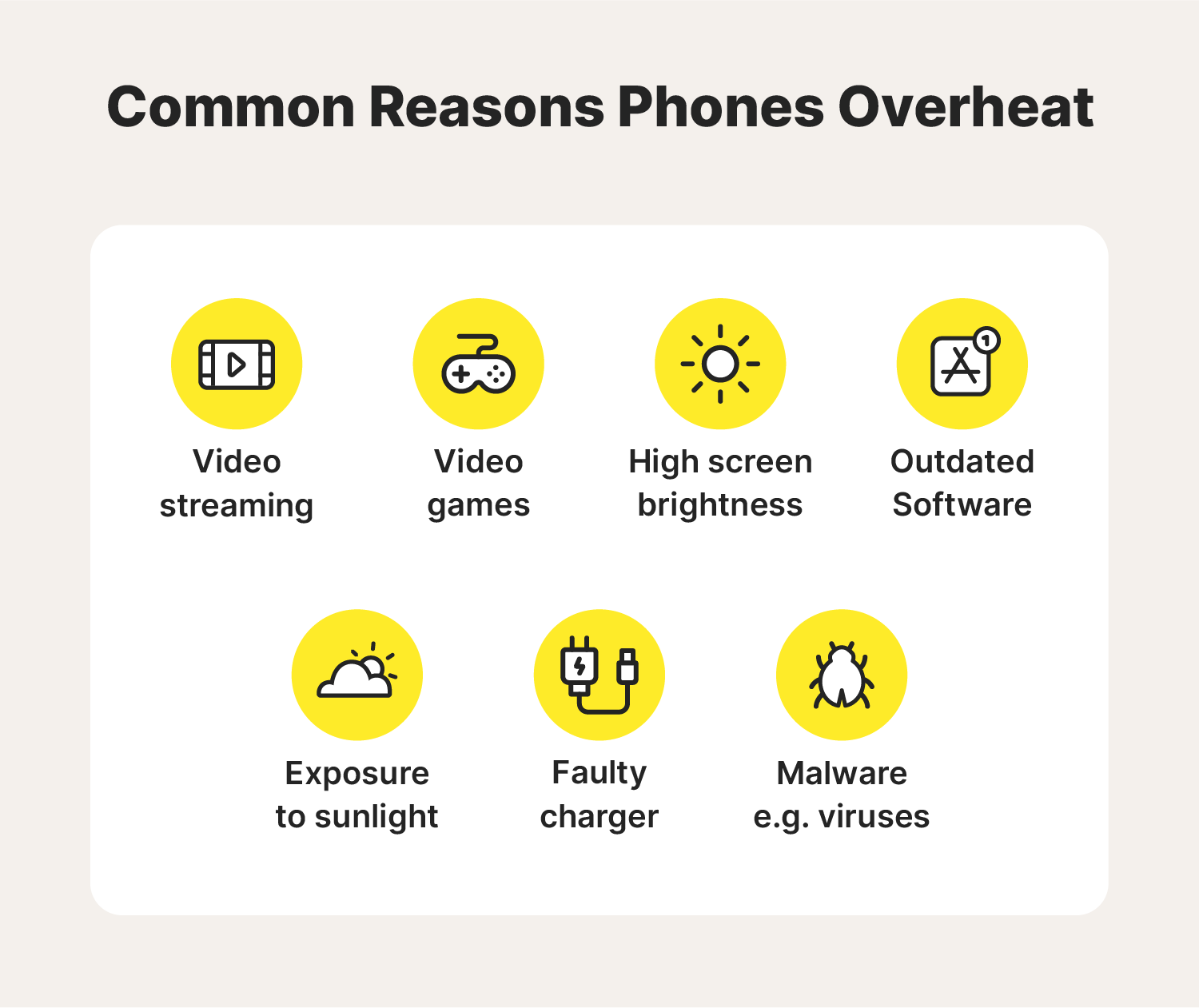
Credit: us.norton.com
Frequently Asked Questions
Why Does My Phone Get Hot While Charging?
Your phone heats up while charging due to energy conversion and battery stress. Fast chargers push high voltage which increases battery temperature by 5–10°C. Using the phone during charging adds processor load and raises heat further. Keep your phone on a cool surface and remove its case to improve airflow.
Avoid charging under direct sunlight or near heat sources.
How Can I Stop My Phone From Overheating?
You can stop overheating by reducing heavy app usage and improving ventilation. Close unused apps that drain the CPU and disable background syncing. Lower screen brightness and turn off Bluetooth or GPS when not needed. Avoid gaming or video streaming for long hours, which can raise temperatures above 40°C.
Keep your phone away from direct sunlight to maintain optimal performance.
What Apps Cause Phones To Overheat The Most?
Heavy processing apps like games, video editors, and streaming services cause overheating. Apps such as TikTok, YouTube, and 3D games use high CPU and GPU power. Background apps that constantly sync data also add heat load. Monitoring tools show these apps can raise device temperature by 8–12°C.
Uninstall or restrict them when not in use to protect battery health.
Is Overheating Worse In Older Phones Vs New Ones?
Yes, older phones overheat more often due to worn-out components. Aging batteries lose efficiency and generate excess heat during charging and usage. Older processors lack thermal management features found in newer models. A phone over two years old may run 5–10°C hotter under similar tasks.
Replacing the battery or upgrading helps reduce overheating issues significantly.
Conclusion
Nearly 60% of smartphone users experience overheating at least once a week. The main causes are heavy app usage, poor ventilation, and outdated software. Keep your phone cool by closing unused apps, avoiding direct sunlight, and updating regularly. Monitor battery health and limit gaming or streaming when charging.
Small daily habits can prevent serious damage and extend your phone’s life. What step will you take today to keep your device running safely?